
Seven formats, one menu
PNG, JPG, WebP, GIF, BMP, PDF and AVIF sit under the picture's right-click menu. Pick one and the file is written.
A site hands you WebP, but the form, the printer or the editor wants JPG or PNG. Right-click the picture, pick the format, and a converted copy lands in your downloads. No upload, no converter tab, no account.
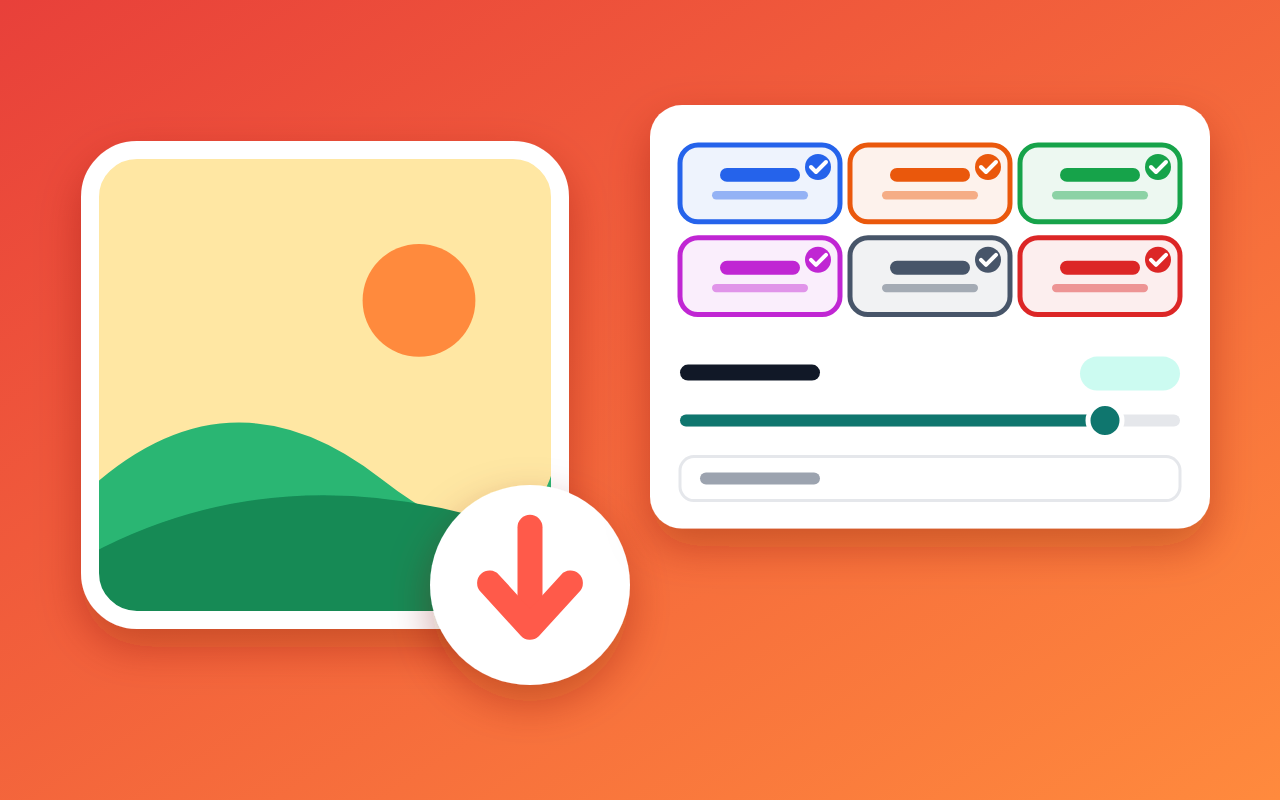
Inside the right-click menu
PNG, JPG, WebP, GIF, BMP, PDF and AVIF sit under the picture's right-click menu. Pick one and the file is written.
Switch formats off in the popup and they leave the menu. One always stays on, so the menu never ends up empty.
A slider from 1 to 100, set to 85 out of the box, tunes JPG, WebP, AVIF and PDF. PNG, GIF and BMP don't need it.
Build names from the original name, the date, the width and the height. A live example shows the result before you save.
Turn on the save dialog to choose a folder for each file. Leave it off and Chrome uses your usual downloads location.
The picture is decoded and re-encoded inside Chrome. No conversion server, no account, no upload.
Local by design
A Chrome extension that saves the picture you right-clicked in another file format, converting it on your device.
Real jobs it handles
“Supplier photos arrive as WebP, the listing form takes JPG only. One right-click fixes it.”
“A diagram from a docs page goes into the deck as a crisp PNG, or into the handout as a one-page PDF.”
“Width and height in the file name keep two versions of the same picture apart in one folder.”
“The desktop editor still chokes on WebP and AVIF. Saving as PNG or BMP gets the picture in.”
Three clicks
Aim at the image itself. Page backgrounds and empty space don't get the menu.
Open the submenu and pick any format you keep switched on.
The toolbar icon flashes a check when the file is saved, or an exclamation mark if it failed.
Quick answers
No. It is decoded and encoded locally in Chrome. Only the finished file goes to your downloads.
PNG, JPG, WebP, GIF, BMP, PDF and AVIF. AVIF appears only when your version of Chrome can encode it.
To Chrome's usual downloads folder. Turn on the save dialog in the popup if you want to choose a folder each time.
No. Chrome adds a number to the new file and leaves the old one alone.
Usually the click missed the image, the format is switched off, or the save dialog was closed. Closing the dialog cancels on purpose.
No. It only touches the one picture you right-click, and only after you pick a format.